Assign daily content limit
In the last update 1.8.2 of Taggify's Digital Signage, developers were super busy and optimized several things these days. One of these improvements is related to assigning a daily limit of content.
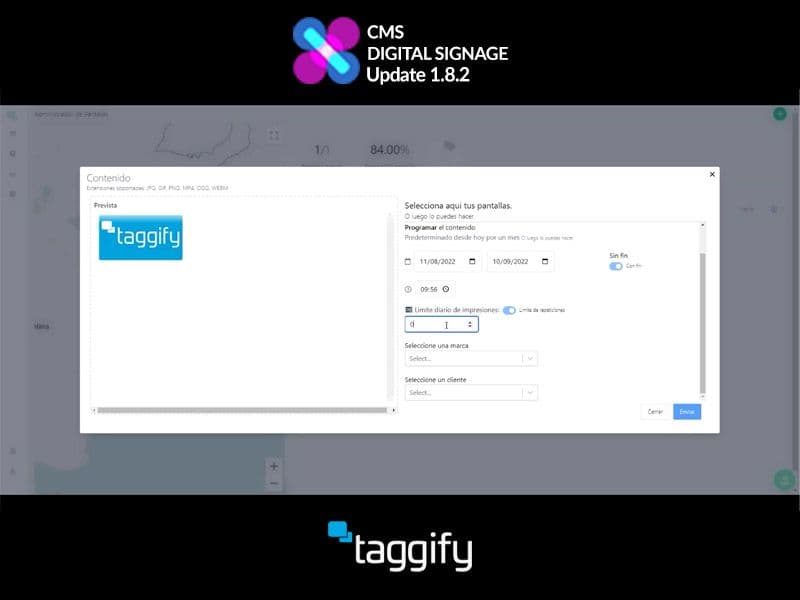
In the section "Contents" we select the content we want to check or modify, once clicked you'll obtain more information about it, like duration dates, file name, etc.
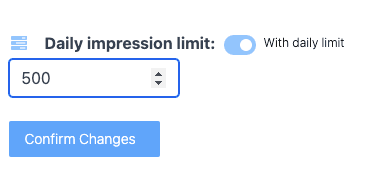
Below the Customer selection, we choose our screen and configure it as usual, but from now on, we can set a daily content limit by clicking the switch and enabling it to assign the amount.
More ideas for programmatic DOOH teams
Continue with practical reads on audience intelligence, inventory strategy and measurable real-world media.
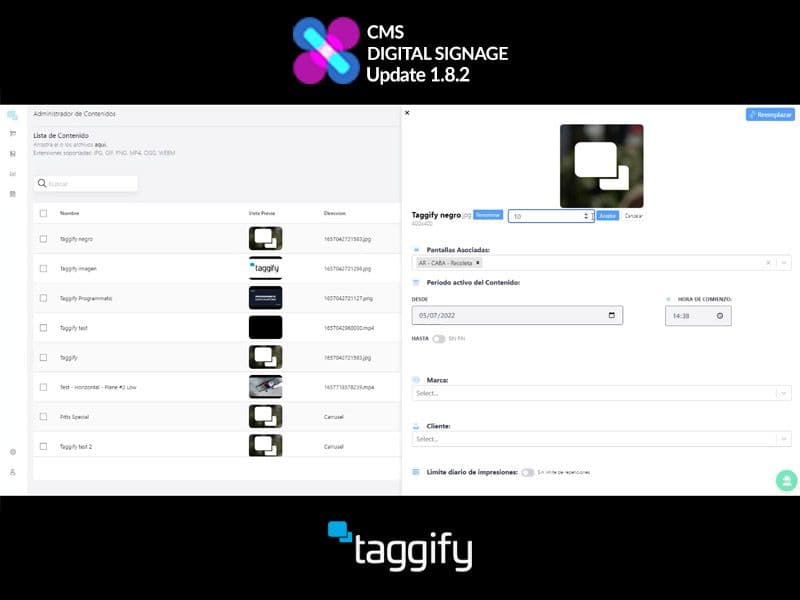
Edit content duration
In the last update 1.8.2 of Taggify's Digital Signage, developers worked and optimizeed several things and editing a content duration was one of them.
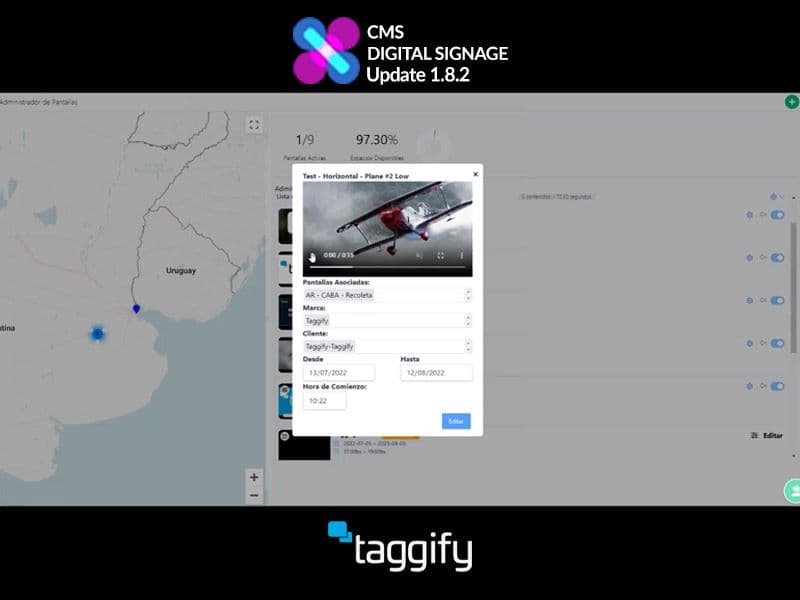
View Contents inside playlist
The developers have worked diligently to improve various aspects of Taggify's Digital Signage, and one area they focused on was enhancing the display of loaded content.
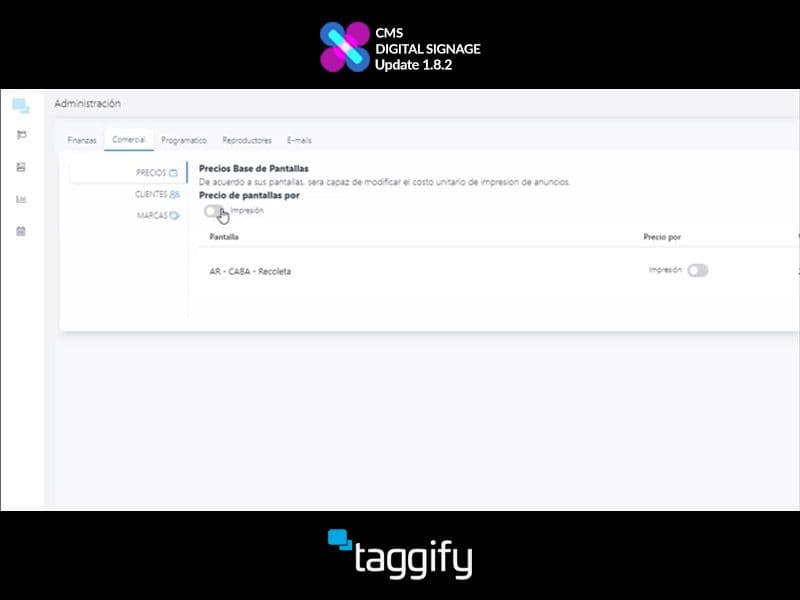
How to trade by impressions or seconds
In the last update 1.8.2 of Taggify's Digital Signage, developers worked and optimizeed several things and trading by impressions or seconds was one of them.