How to replace content with another
In the last update 1.8.2 of Taggify's Digital Signage, developers work and optimize several things and content replacement was one of them.
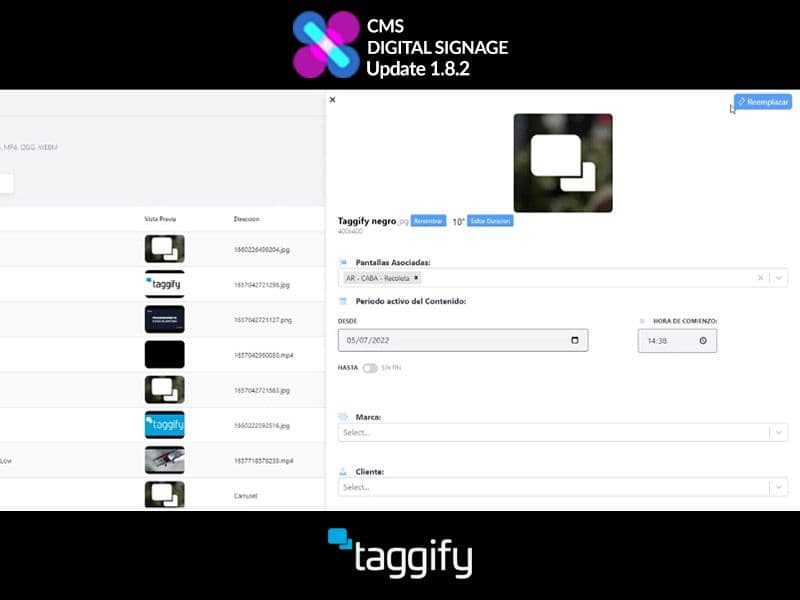
In the Content section, we will select the one we want to replace from the list.
On the upper right corner, we will find the "Replace" option and, after clicking on it, we will select the new content we want to upload.
Once loaded we can view and set our new content on the list.
More ideas for programmatic DOOH teams
Continue with practical reads on audience intelligence, inventory strategy and measurable real-world media.
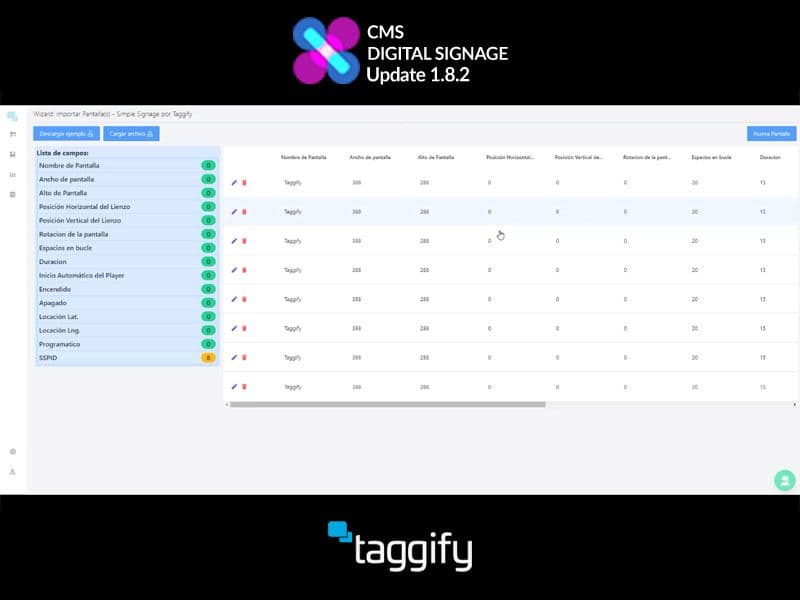
How to make a bulk import of screens
In the last update 1.8.2 of Taggify's Digital Signage, developers worked and optimizeed several things and making a bulk import of screens was one of them.
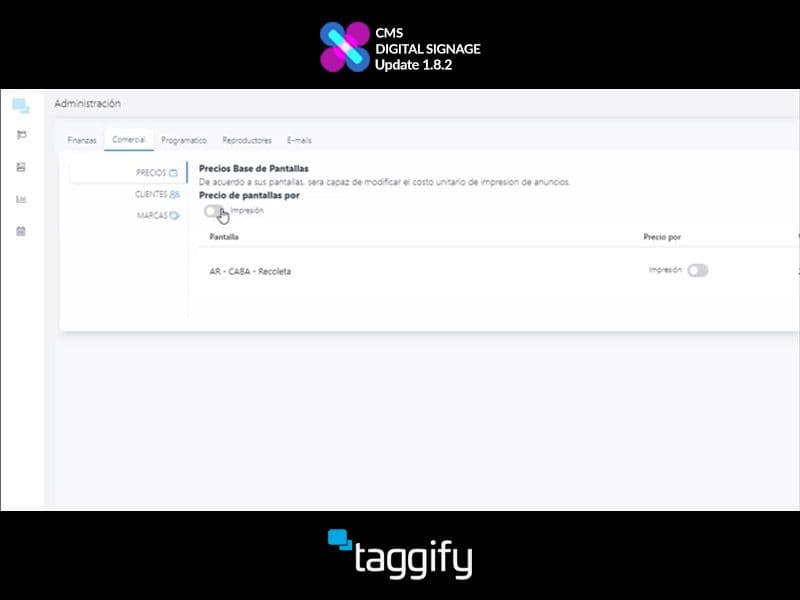
How to trade by impressions or seconds
In the last update 1.8.2 of Taggify's Digital Signage, developers worked and optimizeed several things and trading by impressions or seconds was one of them.
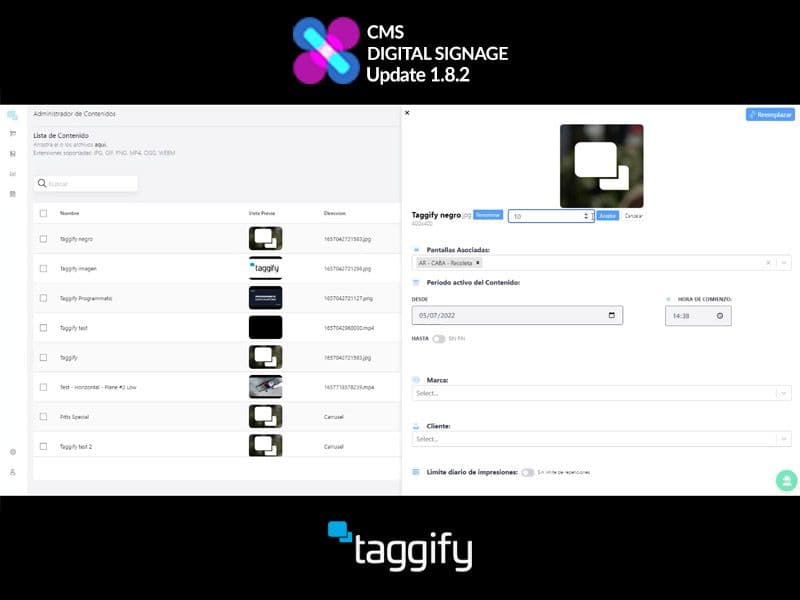
Edit content duration
In the last update 1.8.2 of Taggify's Digital Signage, developers worked and optimizeed several things and editing a content duration was one of them.